Buying & planning · 5 min
A room-by-room checklist before you order restaurant furniture
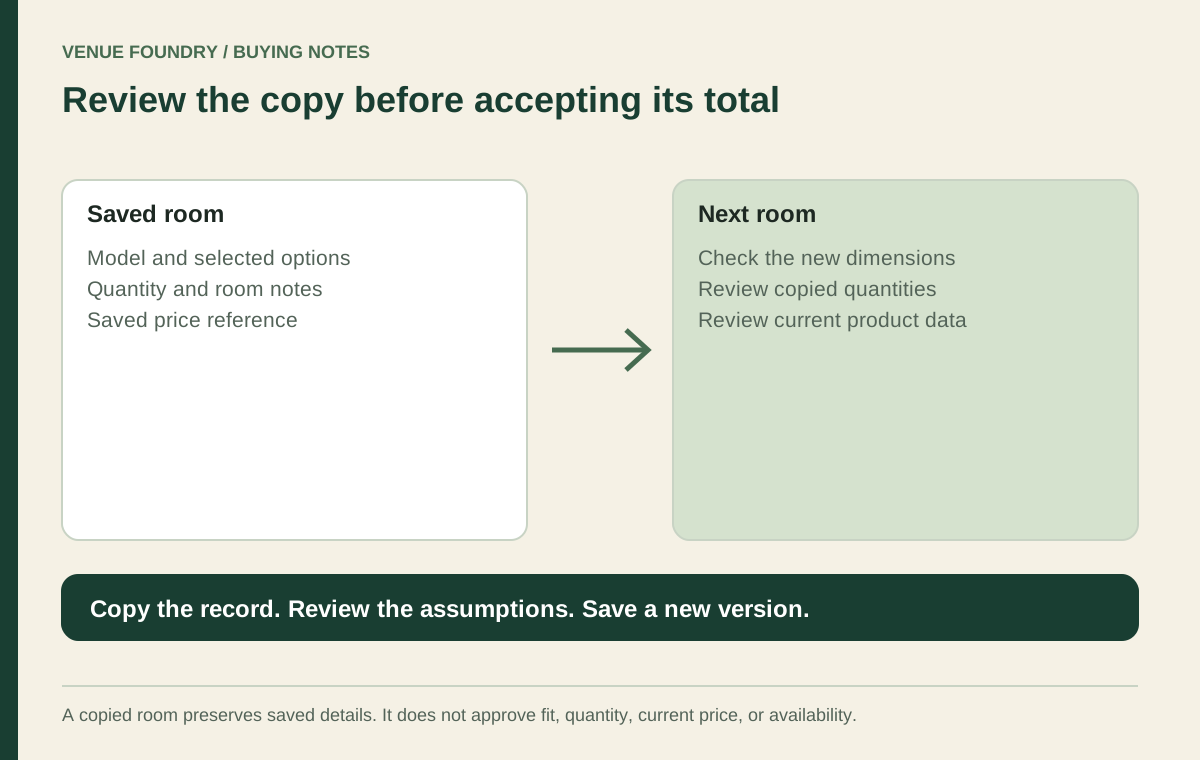
Prepare a restaurant furniture project with measured rooms, selected products, reviewed finishes, and a clear list of questions before ordering.
Read this guideVenue Foundry / Ideas & planning
Work through the decisions behind your furniture budget, one room at a time.
2 guides
Buying & planning · 5 min
Prepare a restaurant furniture project with measured rooms, selected products, reviewed finishes, and a clear list of questions before ordering.
Read this guide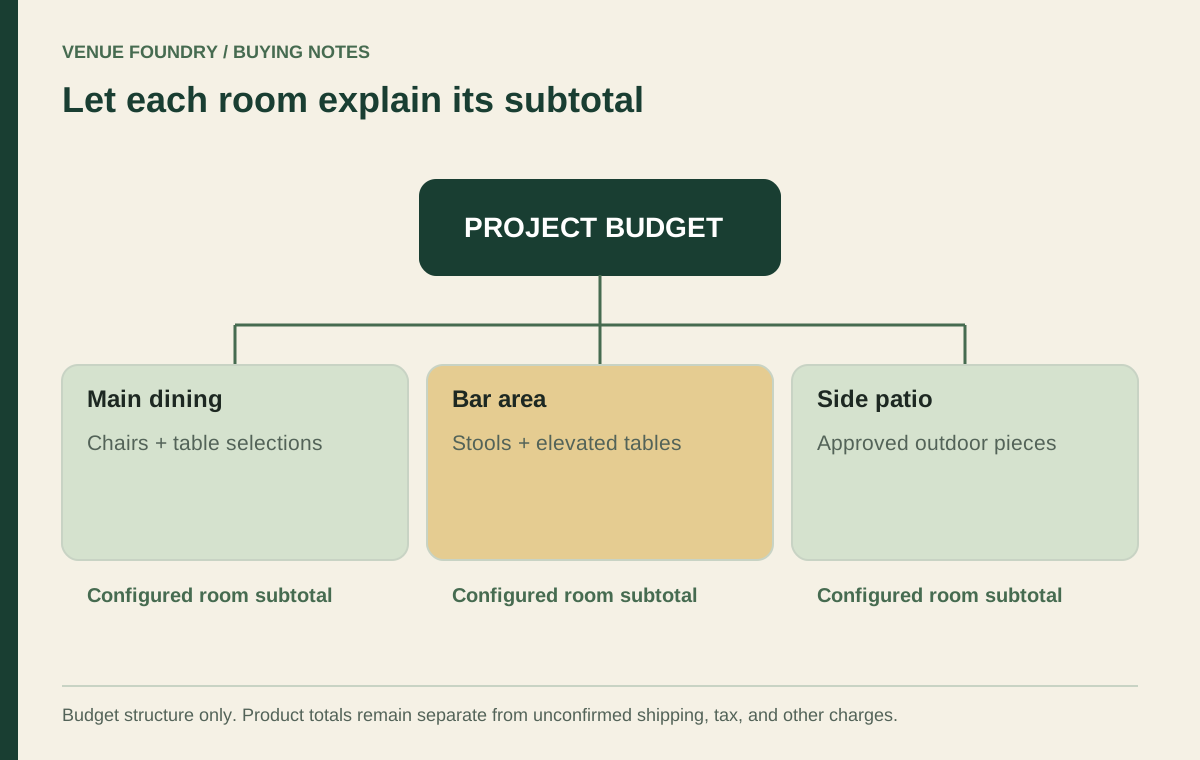
Room layouts · 6 min
Build a room-by-room furniture budget from selected finishes, quantities, and prices, with clear allowances and a final review before ordering.
Read this guideFrom the notebook to the numbers
Save configured items to your budget plan to compare quantities against your target.
Make a useful start
Open the chair or bar stool category for the seating height you need. Compare the configured price and dimensions before multiplying a choice across the room.
Compare dining chairs →A table may be a complete piece or a combination of separate top and base listings. Check the included parts and compatibility before comparing the room cost.
Explore complete table listings →Save the configured selections to a named room. You can compare the furniture subtotal with your target, adjust quantities and keep your own allowance separate.
Budget planner →